Linux软件安装 ==注意:以下所有的安装均安装在Linux新建的文件夹/home/soft下面,该文件夹已经存在。==
一、安装OpenJDK 下载地址:https://jdk.java.net/archive/
1 2 3 4 5 6 7 8 9 10 11 12 13 14 15 16 17 18 cd /home/softtar -zxvf openjdk-11.0.2_linux-x64_bin.tar.gz vi /etc/profile export JAVA_HOME=/home/soft/jdk-11.0.2export PATH=$JAVA_HOME /bin:$PATH java -version
二、安装Maven 下载地址:https://maven.apache.org/download.cgi
1 2 3 4 5 6 7 8 9 10 11 12 13 14 15 16 17 18 19 cd /home/softtar -zxvf apache-maven-3.9.5-bin.tar.gz vi /etc/profile export NEXUS_HOME=/home/soft/nexus-3.62.0-01export PATH=$PATH :$NEXUS_HOME /binmvn -v
三、安装Nexus3 下载地址:https://help.sonatype.com/repomanager3/product-information/download
1 2 3 4 5 6 7 8 9 10 11 12 13 14 15 16 cd /home/softtar -zxvf nexus-3.62.0-01-unix.tar.gz vi /etc/profile export NEXUS_HOME=/home/soft/nexus-3.62.0-01export PATH=$PATH :$NEXUS_HOME /bin
进行nexux启动
nexux命令携带的命令有以下几种:start|stop|run|run-redirect|status|restart|force-reload
执行如下命令⚓
1 2 3 4 5 6 7 8 9 10 11 12 cd /home/soft/nexus-3.62.0-01cd bin[root@localhost bin] WARNING: ************************************************************ WARNING: Detected execution as "root" user. This is NOT recommended! WARNING: ************************************************************ Usage: ./nexus {start|stop|run|run-redirect|status|restart|force-reload}
执行命令如下
1 2 3 4 ./nexus-3.62.0-01/bin/nexus run ./nexus-3.62.0-01/bin/nexus start
当执行如下命令发现异常:
1
2
3
4
5
6
7
8
9
10
11
12
[root@localhost bin] [1] 14730 [root@localhost bin] ^C [1]+ 退出 255 nohup ./nexus run [root@localhost bin] WARNING: ************************************************************ WARNING: Detected execution as "root" user. This is NOT recommended! WARNING: ************************************************************ Nexus data directory already in use: /home/soft/sonatype-work/nexus3
做如下修改🖱️vim bin/nexus 文件中的 run_as_root=true 改为 falsenexus.rc 文件的用户为root.
设置防火墙并开放端口
1
2
3
4
5
6
7
8
9
10
11
12
[root@localhost bin] [root@localhost bin] [root@localhost bin] success [root@localhost bin] success [root@localhost bin] 8081/tcp [root@localhost bin] Starting nexus [root@localhost bin] nexus is running.
查询开发的端口:
1
2
3
4
5
6
7
8
9
10
11
12
13
14
15
16
17
18
19
20
21
22
[root@localhost etc] public (active) target: default icmp-block-inversion: no interfaces: ens160 sources: services: cockpit dhcpv6-client ssh ports: 8081/tcp protocols: forward: no masquerade: no forward-ports: source-ports: icmp-blocks: rich rules: [root@localhost etc] yes [root@localhost etc] Warning: ALREADY_ENABLED: 8081:tcp success [root@localhost etc] success
==./nexus start 启动是后台启动==
可以用如下命令查看端口是否启动:
1 firewall-cmd --zone=public --list-ports
启动成功以后访问页面即可: http://服务器ip:8081/,8081为默认端口号
四、安装nohub并配置全局可用 执行如下命令⚓
1 2 3 4 5 6 7 8 9 10 11 12 13 14 15 16 17 18 19 20 21 22 [root@localhost bin] /usr/bin/nohup yum install coreutils vi ~/.bash_profile if [ -f ~/.bashrc ]; then . ~/.bashrc fi PATH=$PATH :$HOME /bin:/usr/bin export PATH
五、Linux开放端口 1. 开放端口 iptables 使用 iptables 命令开放端口
在大多数 Linux 系统中,我们可以使用 iptables 命令来管理防火墙规则。
例如,我们要开放 8080 端口,可以使用以下命令:
1 sudo iptables -I INPUT -p tcp --dport 8080 -j ACCEPT
该命令将在防火墙规则中添加一条规则,允许 TCP 协议通过 8080 端口进行连接。
firewalld 使用 firewalld 命令开放端口
在一些新的 Linux 系统中,我们可以使用 firewalld 命令来管理防火墙规则。
例如,我们要开放 8080 端口,可以使用以下命令:
1
2
sudo firewall-cmd --zone=public --add-port=8080/tcp --permanent
参数解读: 该命令将在防火墙规则中添加一条规则,允许 TCP 协议通过 8080 端口进行连接。--permanent 参数将该规则永久性添加到防火墙中。
重新加载防火墙规则:sudo firewall-cmd --reload
2. 重启防火墙 无论是使用 iptables 还是 firewalld 命令,都需要在开放端口之后重启防火墙才能使其生效。下面是重启 iptablesfirewalld 的命令:
重启 iptables:
1 sudo service iptables restart
重启 firewalld:
1 sudo systemctl restart firewalld
注意:在使用重启命令之前,请先确定您已经正确地修改了 iptables 或 firewalld 配置文件。如果出现问题,可能会导致您无法访问您的服务器。建议在修改配置文件之前备份。
执行如下命令⚓
1 2 3 4 5 6 7 8 9 [root@localhost bin] success [root@localhost bin] success [root@localhost bin] 8081/tcp
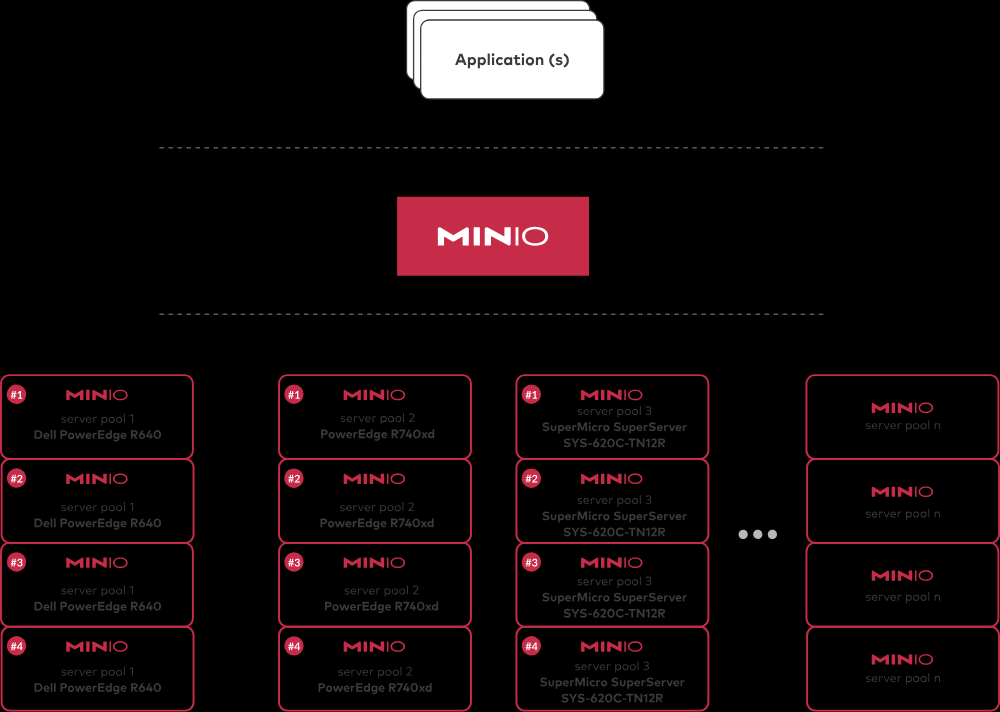
五、安装Minio minio下载地址:https://github.com/minio/minio/?tab=readme-ov-file https://dl.min.io/server/minio/release/windows-amd64/minio.exe https://dl.min.io/server/minio/release/linux-amd64/minio
注意我们需要新建三个文件夹:
将minio转成可执行的文件 启动脚本 1 2 3 4 5 6 7 8 9 10 11 # 启动minio服务 [root@localhost minio]# ./minioRun.sh # 查看脚本 [root@localhost minio]# cat minioRun.sh # !/bin/bash export MINIO_ROOT_USER=root export MINIO_ROOT_PASSWORD=zeng@1125 # nohup 启动服务 指定文件存放路径 /root/data 还有设置日志文件路径 /root/minio/lognohup ./minio server --address :9998 --console-address :9999 /data/minio/minioData > /data/minio/minioLog/minio.log 2>&1 &
开发端口 1 2 3 4 5 6 # 添加我们需要的端口,使用tcp暴露 [root@localhost bin]# firewall-cmd --zone=public --add-port=8081/tcp --permanent success # 重新加载防火墙 [root@localhost bin]# firewall-cmd --reload success
访问 ip和启动的端口